
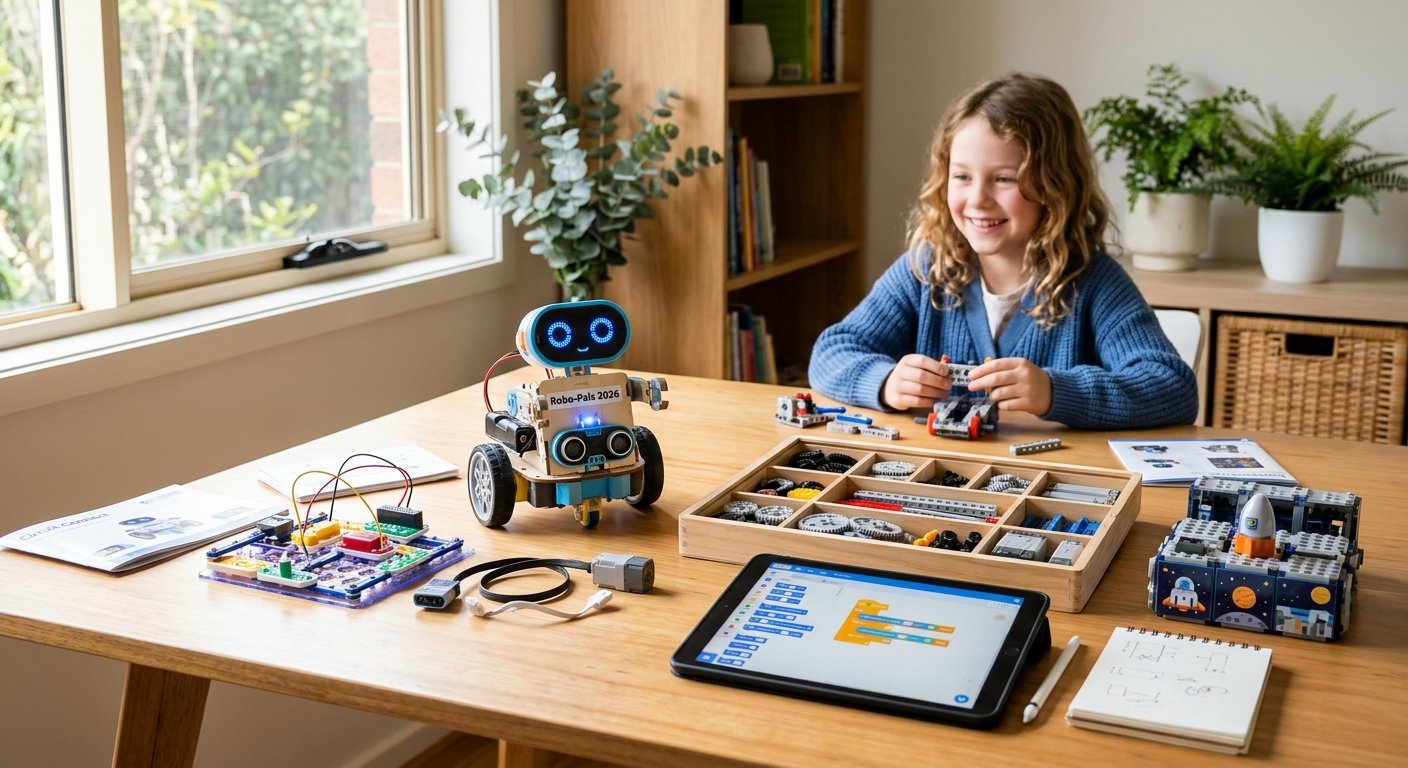
Looking for screen-smart gifts that spark curiosity? Explore the best hands-on STEM robotics and coding kits for kids available across Australia—reviewed for age suitability, ease of assembly, and real educational value.
Quick Comparison: Top STEM Robotics & Coding Kits in Australia
| Robotics / Coding Kit | Recommended Age | Coding Method | Screen Required? | Best For |
|---|---|---|---|---|
| Botley 2.0 the Coding Robot | Ages 5–9 | Tactile Remote Programmer | No (100% Screen-Free) | Early learners & screen-free problem solving |
| Makeblock mBot Robot Kit | Ages 8–12 | Scratch (Block) & Arduino (C++) | Yes (Tablet / PC) | Building real metal robotics & learning coding |
| LEGO Boost Creative Toolbox (17101) | Ages 7–12 | Drag-and-Drop App Blocks | Yes (iOS / Android / Fire) | Kids who already love building with LEGO |
| ELEGOO UNO R3 Smart Robot Car V4.0 | Ages 12+ | Arduino IDE / Block Coding | Yes (PC / Smartphone) | Teens, aspiring engineers & electronics |
| Sillbird 12-in-1 Solar Robot Kit | Ages 8–12 | Mechanical / Solar Engineering | No (100% Screen-Free) | Eco-friendly engineering & budget gifts |
Why Hands-On Robotics Beats Passive Screen Time
Australian parents and educators are increasingly turning toward STEM (Science, Technology, Engineering, and Mathematics) kits to turn passive tablet time into active problem-solving. Instead of simply consuming apps or videos, kids learn how software commands physically interact with motors, sensors, and gears in the real world.
- Builds Computational Thinking: Sequencing commands, testing loops, and debugging errors teach kids how to break big problems into manageable steps.
- Boosts Confidence and Resilience: When a robot turns left instead of right, kids immediately see why—encouraging trial-and-error learning without frustration.
- Aligns with Australian Curriculum Goals: Digital Technologies is a core part of Australian primary and secondary education, giving kids a fun head start outside the classroom.
Best STEM Robotics & Coding Kits Available in Australia
1. Learning Resources Botley 2.0 the Coding Robot (Best Screen-Free Kit for Younger Kids)
If you want to introduce coding concepts to a 5-to-8-year-old without handing them another iPad or smartphone, Botley 2.0 is the undisputed champion. Out of the box, kids use a chunky, intuitive remote programmer to enter up to 150 steps—making Botley navigate obstacle courses, light up in different colors, detect objects with infrared sensors, and even put on a light show.
- Key Specs: 78-piece activity set, 100% screen-free programming, night-vision light sensor, requires 5 AAA batteries.
- Pros: Zero tablet or app setup required; durable enough for rough play; teaches loops and “if/then” logic naturally.
- Cons: Older kids (10+) may outgrow its pre-set commands quickly.
2. Makeblock mBot Robot Kit (Best Overall Educational Value for Ages 8–12)
The Makeblock mBot hits the sweet spot between a fun toy and a genuine robotics engineering platform. Kids assemble a sturdy anodized aluminum chassis in about 20 minutes using a single screwdriver—connecting ultrasonic distance sensors, line-follower modules, and motors without any messy soldering. Once built, they can control it via Bluetooth and program custom behaviors using Scratch-based block coding before graduating to real Arduino C++.
- Key Specs: Aluminum frame, ultrasonic & line-following sensors, mBlock visual coding app, expandable with add-on packs.
- Pros: Grows with your child from beginner drag-and-drop blocks to real text coding; rugged metal build; clear step-by-step 3D instructions.
- Cons: Requires AA batteries (or an optional rechargeable lithium battery pack).
3. LEGO Boost Creative Toolbox (Best for Kids Who Already Love LEGO)
If your child’s bedroom floor is already covered in LEGO bricks, the LEGO Boost Creative Toolbox seamlessly merges classic brick building with motorized robotics. The 847-piece set includes a programmable Move Hub, interactive motor, and color/distance sensor that can be built into five distinct models—including Vernie the talking robot, a working guitar, and an automated factory.
- Key Specs: 847 LEGO pieces, 5-in-1 rebuildable designs, icon-based drag-and-drop coding app.
- Pros: Endless creative replayability; combines storytelling with engineering; compatible with existing LEGO collections.
- Cons: Requires a compatible tablet or smartphone to run the app and building instructions.
4. ELEGOO UNO R3 Project Smart Robot Car Kit V4.0 (Best for Teens & Future Engineers)
For older kids, teenagers, or parents looking for a shared weekend engineering project, the ELEGOO Smart Robot Car is a serious step up into real-world electronics. Powered by an Arduino-compatible microcontroller board, this kit features an onboard camera, obstacle avoidance, line tracking, and smartphone Wi-Fi control.
- Key Specs: UNO R3 controller board, FPV camera module, ultrasonic sensor, infrared remote, rechargeable lithium battery included.
- Pros: Teaches authentic circuitry, wiring, and real-world programming; includes rechargeable batteries; exceptional value for the hardware included.
- Cons: Small screws and wiring require patience and adult guidance for younger builders.
5. Sillbird 12-in-1 Solar Robot STEM Kit (Best Budget & Eco-Friendly Gift)
Powered entirely by a miniature solar panel—no batteries required—this 190-piece mechanical kit lets kids build 12 different crawling, rolling, and floating robots that move under direct Australian sunlight (or a bright indoor halogen lamp).
- Key Specs: 190 snap-together ABS pieces, solar-powered motor, 2 difficulty levels for progressive building.
- Pros: Teaches renewable solar energy and gear mechanics; zero battery costs; very affordable birthday gift.
- Cons: Needs strong direct sunlight outdoors to run at full speed.
How to Pick the Right Robotics Kit for Your Child
- Match the Age and Attention Span:
- Ages 5–7: Stick to pre-assembled, screen-free robots like Botley 2.0 so kids focus on logic rather than tiny screws.
- Ages 8–11: Look for modular, snap-together or bolt-together kits using visual block coding (Makeblock mBot or LEGO Boost ).
- Ages 12+: Choose open-source hardware kits (ELEGOO Arduino ) that introduce real electronics and text-based programming.
- Check Device Compatibility Before Ordering: If a kit relies on an app, verify that it works smoothly on your family’s iPad, Android tablet, Windows PC, or Mac.
- Look for Expandability: The best STEM kits aren’t one-and-done puzzles. Choose platforms that allow kids to invent their own challenges once they finish the guided tutorials.
Frequently Asked Questions
Does my child need prior coding experience to use these kits?
Not at all. Every kit recommended above starts from absolute zero, using visual icons or simple directional buttons before gradually introducing loops, sensors, and variables.
Are replacement parts or batteries easy to find in Australia?
Yes. Kits using standard AA/AAA batteries or USB-rechargeable lithium packs (like Makeblock and ELEGOO) work right out of the box with standard Australian chargers, and LEGO pieces integrate with any bricks you already own.
Can girls and boys both enjoy robotics kits?
Absolutely. Robotics and coding foster creativity, design, music, and storytelling just as much as mechanics—making them fantastic, gender-neutral gifts for any curious mind.
(Disclosure: LatinMarket is reader-supported. When you buy through links on our site, we may earn an affiliate commission at no extra cost to you.)